;stroke-opacity:1;'%20stroke-width='42'/%3e%3cpath%20d='M151%20514H188V556H151L149.916%20555.986C127.221%20555.411%20109%20536.834%20109%20514V470H151V514ZM659%20514C659%20536.834%20640.779%20555.411%20618.084%20555.986L617%20556H580V514H617V470H659V514ZM188%20254H151V298H109V254C109%20230.804%20127.804%20212%20151%20212H188V254ZM617%20212C640.196%20212%20659%20230.804%20659%20254V298H617V254H580V212H617Z'%20fill='%235EA500'%20style='fill:%235EA500;fill:color(display-p3%200.3686%200.6471%200.0000);fill-opacity:1;'/%3e%3cpath%20d='M405%20451C405%20462.046%20396.046%20471%20385%20471H383C371.954%20471%20363%20462.046%20363%20451V405H405V451ZM363%20405H317C305.954%20405%20297%20396.046%20297%20385V383C297%20371.954%20305.954%20363%20317%20363H363V405ZM451%20363C462.046%20363%20471%20371.954%20471%20383V385C471%20396.046%20462.046%20405%20451%20405H405V363H451ZM385%20297C396.046%20297%20405%20305.954%20405%20317V363H363V317C363%20305.954%20371.954%20297%20383%20297H385Z'%20fill='%235EA500'%20style='fill:%235EA500;fill:color(display-p3%200.3686%200.6471%200.0000);fill-opacity:1;'/%3e%3c/svg%3e)

Catch visual regressions with zero-code.
PreviewLens captures and compares your #Previews in watch mode, notifying both you and your AI agent when regressions occur.
Build. Snapshot. Diff. Approve.
What PreviewLens does
Preview-native snapshots on build, clear diffs for review, and control over noise.
Preview-native snapshots on build
As soon as you build, PreviewLens renders and snapshots your #Previews. No unit tests, no UI test suite, no special runner.
Diffing designed for easy review
See changes side-by-side or overlay to pinpoint what shifted. Approve intentional changes and keep regressions visible.
Control false positives
Set thresholds and masks in the Mac app or config file for dynamic regions to keep your signal clean as the app evolves.
Gallery view
Browse all previews with filtering and sorting to quickly assess UI changes as you develop your app.
How it works
A workflow built around Xcode builds and SwiftUI and UIKit previews.
Choose an Xcode project, app target, or Swift package.
On build, PreviewLens snapshots discovered #Previews. No separate test step.
Your first successful snapshot set becomes the baseline. Keep it local and review like any other artifact.
Every build produces a new snapshot set and a visual diff against baseline.
Inspect diffs, apply thresholds and masks, then approve updates or keep failures flagged.
PreviewLens is optimized for everyday iteration, with fast feedback while you work instead of a heavy testing ceremony.
Core features (beta scope)
Everything you need for preview-based visual regression, local-first.
Automatic snapshots on build
- Snapshots are generated automatically after you build.
- Supports iOS, macOS, watchOS apps.
- Supports SwiftUI and UIKit previews.
Baselining + diffs
- Establish a baseline snapshot set.
- Diff against baseline on every build.
- Inspect diffs in a UI designed for debugging: side-by-side and overlay.
Thresholds / tolerance
- Configure diff thresholds to ignore insignificant changes.
- Reduce noise while still catching meaningful regressions.
Dynamic diff masks
- Define masks visually in the Mac app.
- Persist masks into a configuration file.
- Keep masking logic transparent and reviewable.
Built for humans and AI
- Configure everything in the Mac app UI or via a config file.
- Install an agent skill to help configure diffs and review changes.
- PreviewLens produces agent-readable results for automation workflows.
Supported targets
- iOS apps
- macOS apps
- watchOS apps
- Swift packages
If you can build your project, you can keep your previews honest.
For humans and their AI agents
Clear review UI for developers. Structured signals for agents.
Mac app for humans
For AI workflows (config + agent-readable results)
Where PreviewLens goes next
Planned capabilities beyond the local-first beta.
Planned capabilities
Mac app stays local-first
The Mac app is local-first. CI and storage become optional upgrades, not requirements.
Join the waitlist to shape the future of PreviewLens.
Why I built PreviewLens
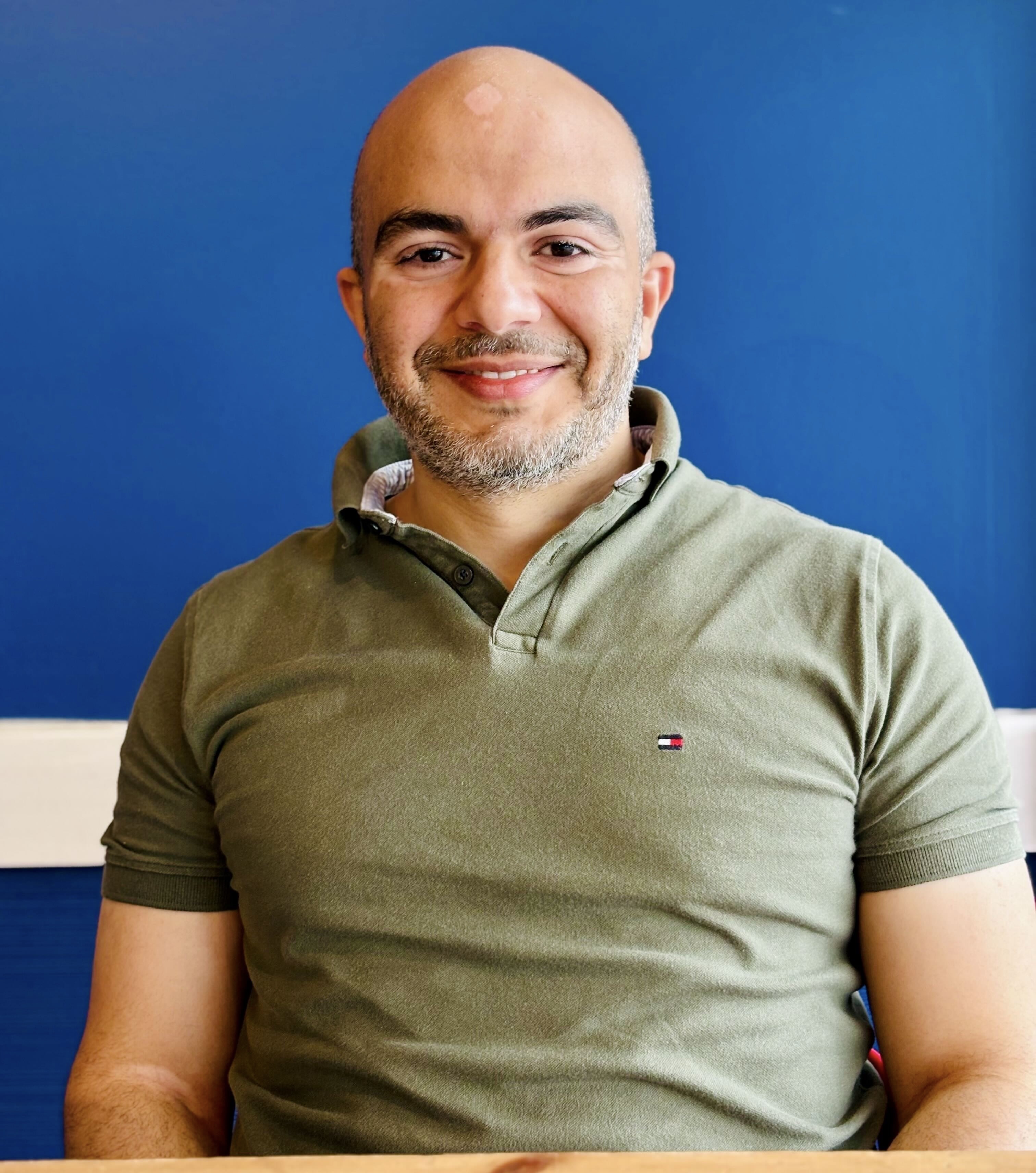
I'm Mohamed Afifi, an Apple developer based in Toronto, Canada 🇨🇦. I've been building software for over 15 years and have worked on large-scale iOS apps used by millions of people, including Alexa at Amazon and Fitbit at Google. I recently left Google to focus on building tools I genuinely needed myself, and to help other developers ship UI changes with more confidence.
I'm building PreviewLens because I wanted faster, more reliable feedback on UI changes. I often need to update a component and see how it looks across multiple screens at once, or refactor UI without unintentionally changing its appearance. Snapshot tests are powerful but costly to maintain, and SwiftUI previews are limited when reviewing many screens together. PreviewLens is the tool I wished I had: fast, preview-native feedback built directly into my development workflow.




Amazon and Google are trademarks of their respective owners. PreviewLens is an independent project and not affiliated with or endorsed by these companies.
Join the beta waitlist
PreviewLens is currently in beta and will be free during beta. Join the waitlist to get early access and help shape the product for real-world SwiftUI workflows.